
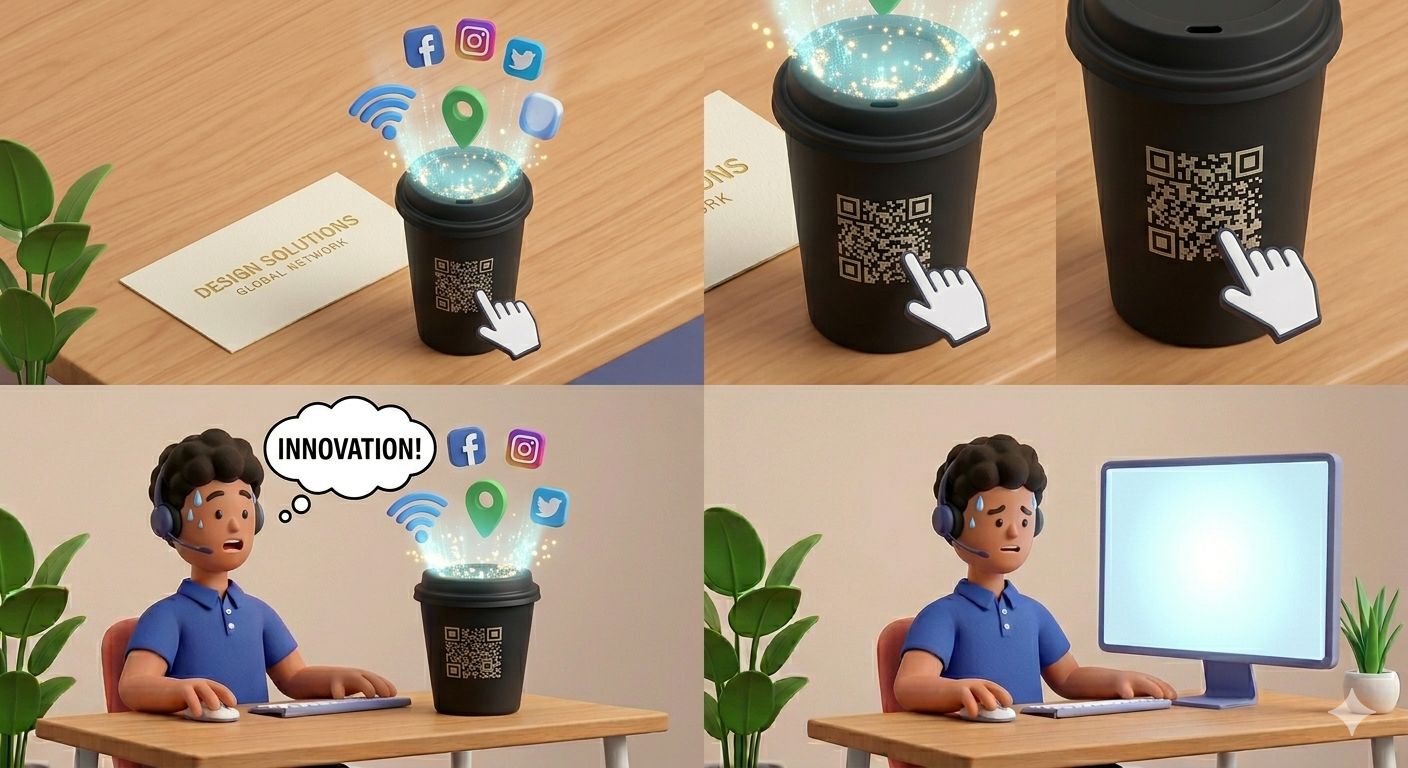
There was a time, not too long ago, when QR codes were the "awkward teenagers" of the tech world.
If you marketed a business back in 2012, you probably remember the gimmick. You’d see a pixelated square on a poster, pull out your phone, realize you didn't have a dedicated scanner app, download a sketchy one, and finally scan the code—only to be taken to a website that wasn't even mobile-friendly.
It was clunky. It was frustrating. For a long time, the industry collectively deemed QR codes a failed experiment.
Then, the world changed.
I. The "Gimmick" That Became a Necessity
What started as a tool for tracking car parts in a Japanese factory eventually became our most vital bridge between the physical and digital worlds. The turning point wasn't just one event; it was the realization that we needed a touchless, frictionless way to share information.
By the time we hit 2026, the "QR friction" had completely vanished. Today, every smartphone camera is a native scanner. Whether you’re 8 or 80, scanning a code is now muscle memory—as natural as clicking a mouse or swiping a screen.
The 2026 Reality: QR Literacy is Universal:
If you aren't using smart codes in your physical marketing today, you aren't "saving space"—you’re leaving a massive gap in your customer journey. Your customers expect the shortcut. They see a flyer, a menu, or a business card, and their first instinct is to reach for their camera.
The 2026 Reality: QR Literacy is Universal.
We’ve watched this evolution closely and realized that the debate over "Print vs. Digital" was always a distraction. The truth is much more exciting:
Print isn't dead; it’s just waiting for a link.
When you add a smart link to a physical object, that object becomes an interactive portal. A boring piece of paper suddenly gains the power to play a video, accept a payment, or save a contact. But there’s a catch—and it’s a big one.
II. The "Static" Trap: Why 90% of QR Codes Fail
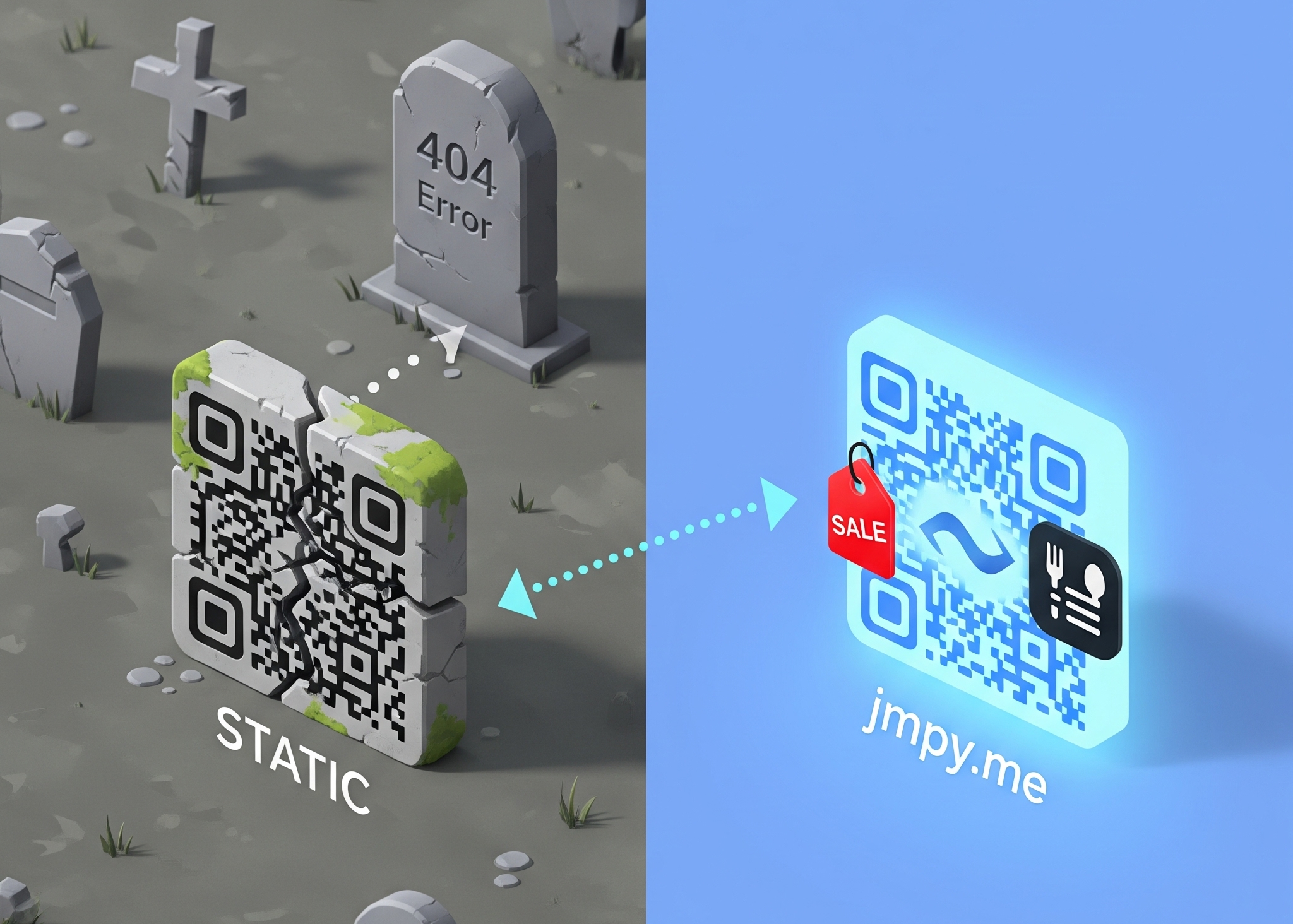
If you’ve ever used a free generator you found on a quick search, you’ve likely fallen into the Static Trap.
A static code takes your URL and "bakes" it directly into the pattern of the square. The longer the URL, the more complex and crowded the code looks. But the real danger isn't how it looks—it's how it behaves. Or rather, how it doesn't behave.
The "Ink is Permanent" Horror Story:
Imagine this: You’ve just spent $1,500 printing 5,000 high-gloss flyers for your grand opening. They look beautiful. They’re sitting in boxes, ready to be distributed across the city. You scan one to show your team, and your heart stops. The code leads to a 404 Error because there was a tiny typo in the URL. Or maybe your web developer changed the "Sign Up" page link to "Join Now" at the last second.
In the world of static codes, those 5,000 flyers are now trash. You can’t edit ink. You can’t go into the trash cans of the city and fix a printed link. This is the "Link Grave" in its most expensive form.
The Dynamic Bridge Solution:
We believe that a QR code should be a living route, not a dead-end street. When you create a Dynamic QR Code, the image itself remains simple and clean because it points to a unique, short redirect on our servers. When a customer scans it, they are instantly routed to your destination.
The magic part? You can change that destination URL anytime, whenever you want.
Printed the wrong link? Fix it in 10 seconds.
Want to change a "Summer Sale" flyer into a "Winter Clearance" flyer? Just swap the link in your dashboard.
Need to see how many people scanned that specific poster on Main Street? The data is already there.
"Oops Protection" shouldn't be a luxury. Dynamic infrastructure ensures that your print assets stay evergreen, no matter how many times you change your mind (or your website).
III. 15 Creative Ways to Use QR Codes in 2026
A simple URL redirect isn't always enough. Businesses don't just want to send people to a website; they want to trigger specific actions. That’s why we engineered 47 different content types into our platform.
Here are the ways modern businesses are using these purpose-built codes to blur the line between physical and digital.
Category A: The Retail & Hospitality Revolution
The "Living" Menu & Table Order Strategy: We’ve all experienced the frustration of scanning a table tent only to be hit with a clunky, 10MB PDF that you have to pinch and zoom to read. By using a dedicated Menu QR, you provide a mobile-optimized, fast-loading experience. A Table Order QR takes it further: instead of flagging down a busy server, a quick scan lets guests send an order straight to the kitchen. And because it's dynamic, you can swap out the "Breakfast" menu for the "Happy Hour" menu on the backend without changing the physical card on the table.
Frictionless Feedback & Retention: Print a Review QR directly on receipts or table tents. When scanned, it bypasses the homepage and takes the customer directly to your Google or Yelp review page—zero friction. To close the loop, include a Coupon QR. Instead of handing them a paper punch card they'll lose, a quick scan saves a digital discount code right to their phone for their next visit.
Category B: Networking & Direct Communication
The Never-Obsolete Business Card: Put a vCard QR on the back of your physical business card. When scanned, your name, photo, email, and phone number are instantly drafted into their phone’s address book. If you change your title next year, you don’t have to reprint a thousand cards; you just update the vCard data online.
Instant Customer Support: Making a frustrated customer hunt for an email address is a quick way to guarantee a one-star review. Place a WhatsApp QR or SMS QR on your product packaging. One scan instantly opens their messaging app with a pre-written text (e.g., "Hi, I have a question about my recent order"). It turns a support hurdle into a friendly conversation.
Category C: Real Estate & Physical Products
The "Always Open" Open House: Add a massive Virtual Tour QR to real estate yard signs. While the house is active, a scan drops the buyer right into a 360° walkthrough. Once the house goes under contract, simply pivot the dynamic code to point to your main Property Portfolio, capturing leads for other houses you have on the market.
The Modern Unboxing Experience: Nobody keeps thick paper manuals. Engrave or print a permanent Warranty QR onto the bottom of your product to take users to a simple registration form. Next to it, a Product Info QR can link to a 30-second assembly video. You save money on printing, and customers get a much better experience.
The "Expert" Design Tip (Intermission)
Before we move to the next set of ideas, let’s talk about design. Because we offer so many types of codes—from WiFi to Bitcoin—it can be tempting to go wild with colors and logos.
Remember this golden rule: Contrast is King. A QR code works best when there is high contrast between the dots and the background. While we love "on-brand" colors, always ensure your code is significantly darker than its background. If you reverse it (white dots on a black background), some older phone cameras will struggle to find the "focus." Keep it clean, and always include a Call to Action (like "Scan for Warranty") right below the code.
Category D: Events & Venue Management
The "Never-Forget" Event Poster: Someone walks by a beautifully designed concert flyer, thinks they should go, but forgets by the time they get home. By adding a Calendar QR, one scan instantly prompts the user's phone to add the event directly to their Google or Apple Calendar. If you need an RSVP, an Event QR links straight to your ticketing page.
The Interactive Way finder: Physical maps for festivals or trade shows are outdated the second they are printed. Print a Venue Map QR on attendee badges or street signs to load an interactive, mobile-friendly map. For tourism, a Tourist QR placed on historical landmarks instantly pulls up multi-language audio guides.
Category E: Healthcare & Professional Services
The Zero-Paper Waiting Room: Handing a client a clipboard is a relic of the past that forces your staff into manual data entry. Place a small acrylic stand at your reception desk with a Patient Forms QR. Guests scan it, sit down, and fill out the forms privately on their own smartphones, auto-syncing with your database. On their way out, an Appointment QR lets them instantly book their next visit.
Category F: Retail, E-Commerce, & Lifestyle
Eliminating the "Wrong Size" Return: For apparel brands, returns are a massive profit killer. Include a Size Guide QR on physical catalogs or retail tags. It takes the guesswork out of the purchase by linking directly to a visual measuring guide, saving thousands in return shipping costs.
Building the Brand "Vibe": Modern marketing is about atmosphere. Print a Spotify QR on a coffee cup sleeve or a hotel desk. When scanned, it instantly opens your brand’s curated playlist, letting customers take your vibe home with them. Pair this with a Social Links QR on the front door to build followers even when the shop is closed.
Category G: Education & Corporate Training
Seamless Learning & Onboarding: Corporate onboarding is notoriously heavy on handouts. A Course QR printed on a welcome syllabus acts as a single gateway to the week's modules. Because these codes are dynamic, an HR manager can use the exact same printed handbook for years, simply updating the backend destination as policies change.
Category H: App Growth & Tech Utility
The Universal App Store Link: Printing two different codes for Apple and Android looks cluttered. Use a smart App Store QR that detects the user’s device automatically, routing iPhones to the App Store and Androids to Google Play. One clean code, 100% compatibility.
Secure, Frictionless Guest Access: No one likes squinting at a handwritten cafe wall trying to distinguish a "0" from an "O". Print a clean WiFi QR on your tables. Guests scan it, hit "Join," and they’re connected instantly. It’s a premium, modern touch.
Future-Proof Payments & Warranties: For high-tech boutiques, a Bitcoin QR allows for instant, peer-to-peer transfers without expensive hardware. Pair this with a standard Payment QR, and you’ve turned a simple printed sign into a fully functional point-of-sale terminal.
IV. Measuring the "Invisible": The Analytics of the Physical World
The biggest frustration with traditional print marketing was the guesswork. You’d put up 100 posters and have no idea which street actually brought in the customers.
Now, the physical world finally has data. By tracking the short link interaction before the redirect, your dashboard reveals:
Total Scans: Exactly how many people engaged with your flyer?
Geographic Data: Which neighborhoods are most active?
Device Types: Are your customers scanning with the latest iPhone or an older Android?
This turns your "gut feeling" into a data-driven strategy. If Poster A on 5th Avenue gets 500 scans and Poster B on Main Street gets 5, you know exactly where to spend your marketing budget next month.
V. The jmpy.me Philosophy: Why "Premium" is Our Standard
We’ll be honest: there are plenty of platforms that will charge you $20 or $30 a month just to have a single "Editable" QR code. They treat flexibility like a luxury for the elite.
We think that’s backwards.
At jmpy.me, we believe that every small business—the local bakery, the freelance designer, the neighborhood non-profit—deserves a safety net. Whether you’re using a vCard QR to grow your network or a Table Order QR to run your cafe, you shouldn't be penalized for needing to change a link or fix a typo.
We’ve kept these 47+ "Pro" content types and dynamic editing features free because we want to empower the "Underdogs." We want to give you the same digital tools as the billion-dollar corporations, so you can focus on what you do best: building your dream.
Ready to bring your print to life? [Create Your First Dynamic QR Code at jmpy.me →]
Share this insight
Help others grow
0 Shares